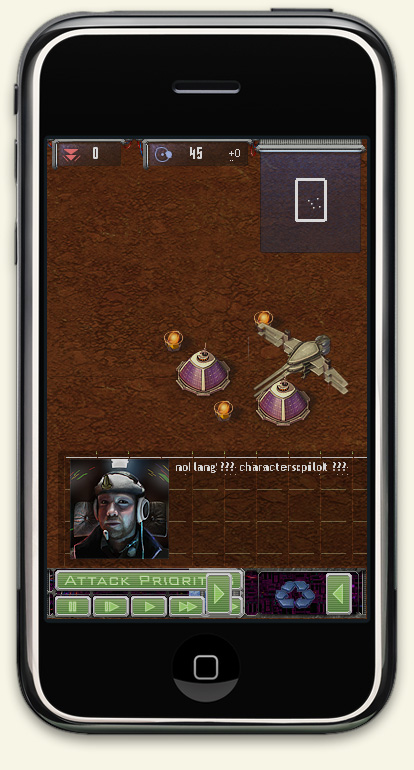
UPDATE: We’ve matched our own service with the Steam discount, so you Mac users won’t feel left out! The 75% discount will be available until January 3rd. Look here:
LavaSoft has created a site for selling their AdAware anti-virus/anti-spyware/anti-rootkit system bundled together with a bunch of different indie games, and Harvest: Massive Encounter is one of them!
As I wrote earlier I’ve been working on a new patch for Harvest, and now the Windows version is available from our forums. Please help me beta test it (just let me know if it crashes, mmkay?)! I will upload the Mac version as soon as I’ve got it running.
Currently I’m having difficulties with the Mac version, but as soon as those are sorted out I will upload a beta version of the patch (version 1.17). The reason why the patch needs beta testing is that we’ve changed a lot of things in our engine since the last version (1.14, or 1.16 on Steam), and I’d like to sort out any problems that these changes may cause.
I thought it might be a good time to repeat what the latest versions of Harvest are. Currently, the correct version is 1.14 or 1.16. The 1.16 version is only used on Steam, and fixes a couple of Steam-related issues. This version has the same features as the 1.14 version that everybody else is using. If you got the game from Reflexive, this version should already be 1.14, otherwise follow this link:
If you are a Steam user and want to migrate your non-Steam copy there, you can do so by activating the product on Steam with your Harvest license key. This option is only available if you bought the game here before March 2009.
InterstellarKinkajou in the forums posted this funny video.
I love World of Goo and I hope Kyle will have time to meet up when he comes to Malmö next month. If you haven’t done so already, check out their website here: http://2dboy.com
We’ve also changed the price if you buy the game on our site too, because Steam is not available for Mac OS X yet, and we don’t want you to feel left out. Also, a new year calls for a new high-score table, so the stats have been cleared (we made a backup first, of course). During 2008, 46 340 games have been reported, and who knows how many games that have been played in total? I can’t wait to see what 2009 brings!
The entries list of participants in this year’s Independent Games Festival is now available on their website. They have also posted the list of student showcase entries. We are participating with both Harvest: Massive Encounter and our new project, Agatha Ragata. The competition is tough as always, but one must always be hopeful!
If you are looking for information about Agatha Ragatha, you can look further down this page, or click these links:
It’s time for another “Harvest: Massive Encounter” update. The new version is numbered 1.14, and is a non-crucial patch that adds mod support to the Creative Mode. We have started a whole new section on the forums related to Harvest modding, head over there now and check out all the mods that are being made! The forum section also contains all the necessary information needed to get started with making your own mod. For example, check out How To Create Mods or How To Create Custom Graphics to get you going. All mods are open source and easily changeable in any text editing tool.
The patch contains the following mods:
Emulate Normal Mode: A mod that works just like the Normal Mode.
Emulate Rush Mode: A mod that works just like Rush Mode.
Emulate Wave Mode: A mod that works just like Wave Mode.
Starhawk: A mod that allows the player to send in a small fighter jet with custom graphics by entering “starhawk” in the input field that appears after pressing Enter ingame.
Super Gun: A mod that allows the player to upgrade defense towers into bullet spewing super guns! These guns don’t require energy, but instead eat credits when they need to refill ammo.
Infinite Credits: A mod that gives the player infinite credits.
Here’s the Mac OS X updater for registered users (2.6 MB). Open the dmg and run the patcher, then simply drag and drop the Harvest application on to the patcher’s window.
The Windows update is available here (1.3 MB). This patcher requires a previous installation of Harvest, simply use the same application folder when you run it.


 Harvest Holiday Bandwagon
 LavaSoft has created a site for selling their AdAware anti-virus/anti-spyware/anti-rootkit system bundled together with a bunch of different indie games, and Harvest: Massive Encounter is one of them!